Skip to content
UstaScan · iOS & Android

Every system checked, in plain words.

UstaScan is made for car owners. It reads what your car is reporting, explains it in plain language, and helps you decide what to do next.

Works with UstaOBD and most ELM327 Bluetooth adapters. Will it work on my car?

From a check-engine light to a clear answer.

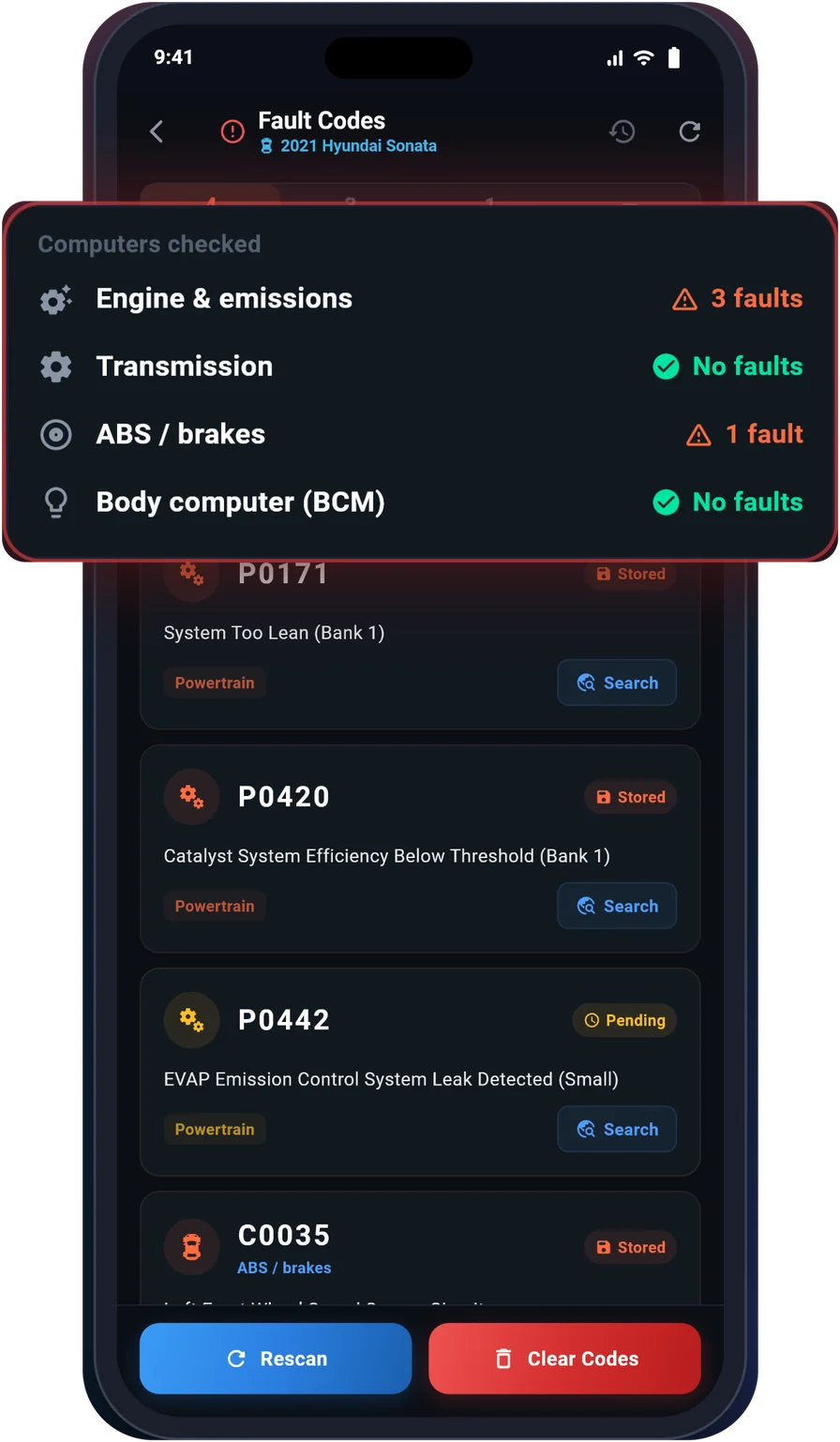
UstaScan fault codes screen listing engine and ABS faults
Fault codes

Read and clear fault codes

See every stored and pending code in plain words, from the engine to the gearbox, ABS and body computer on supported cars.

  • Checks every computer your car exposes
  • Clear codes once the problem is fixed
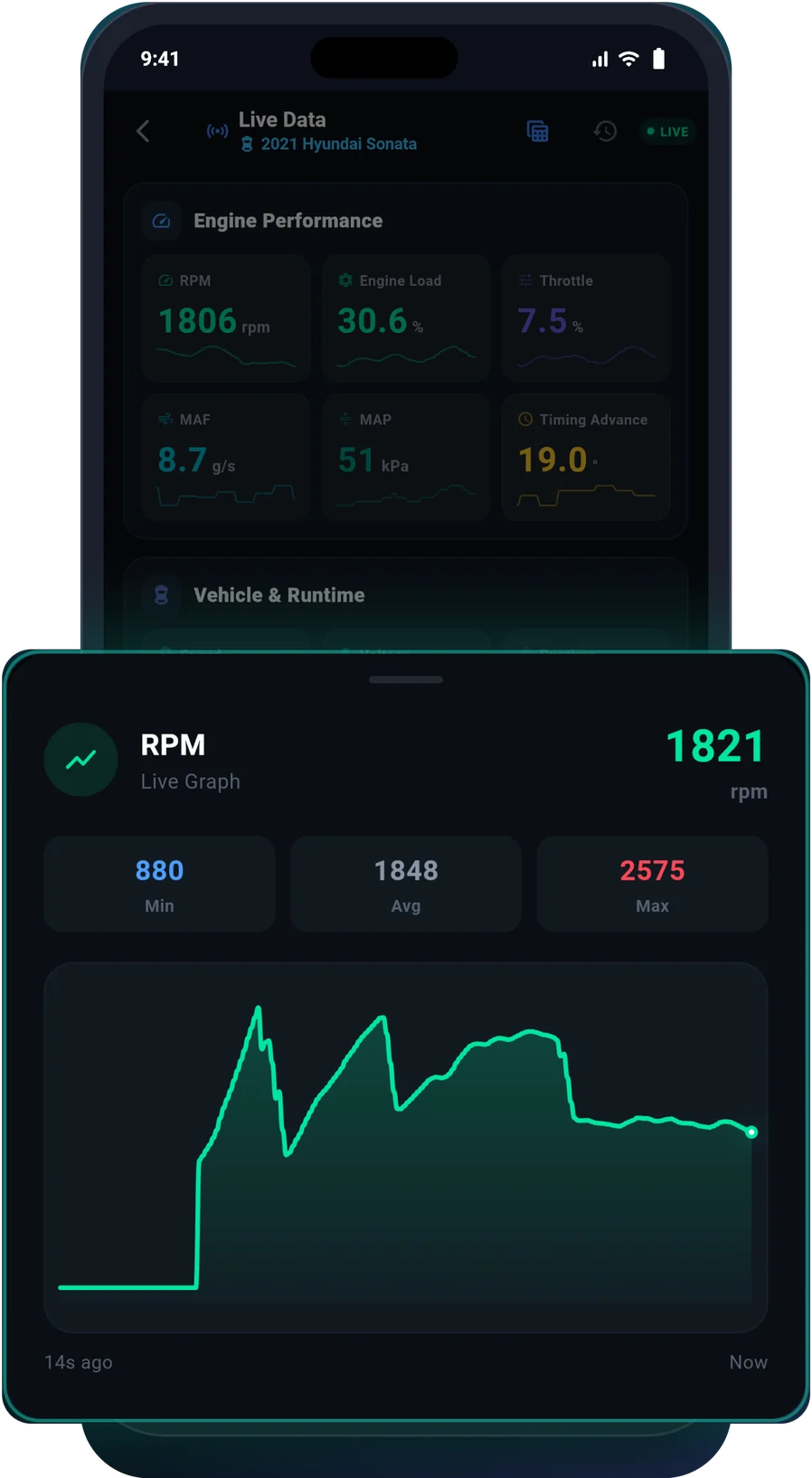
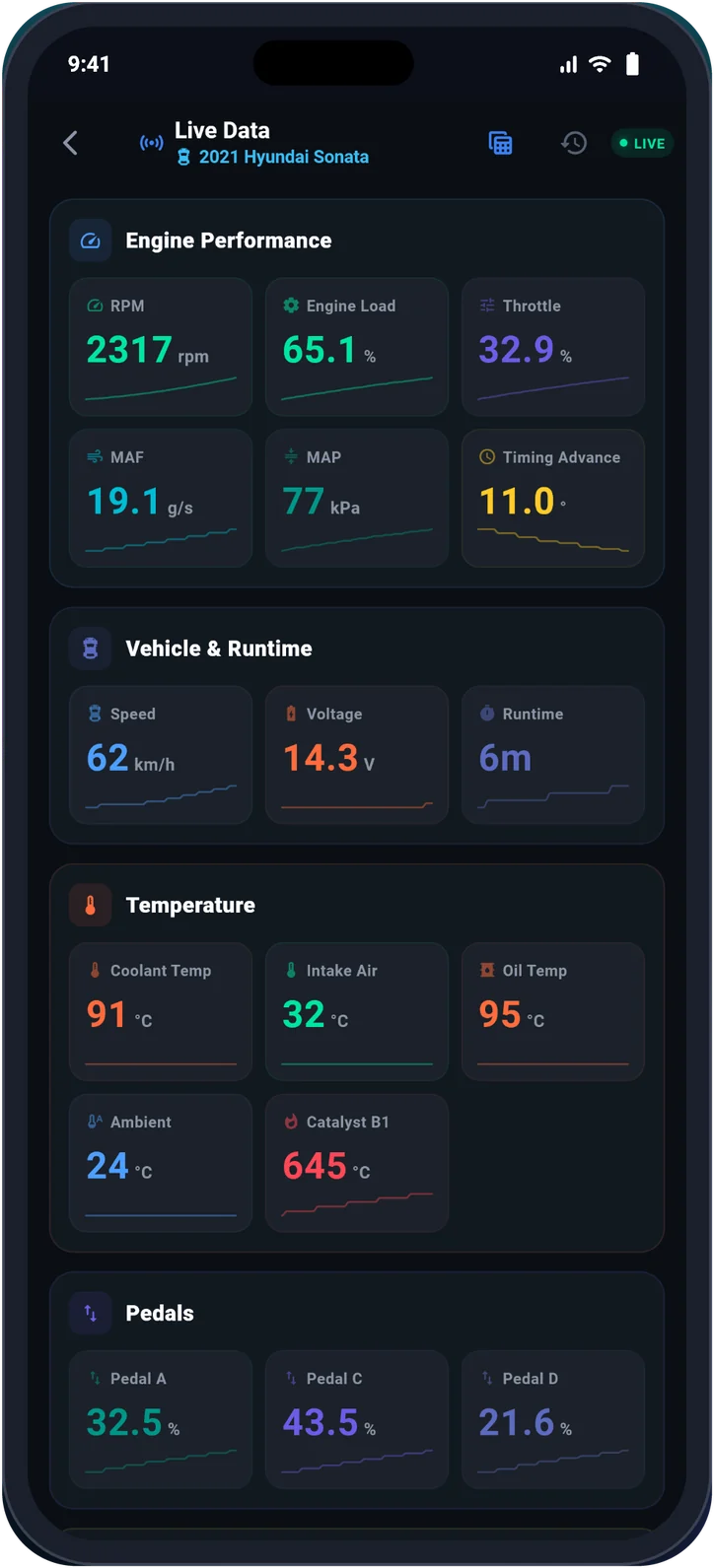
UstaScan live data screen with sensor readings and mini charts
Live data

Every sensor, live

RPM, load, temperatures, voltage and more on one screen. Tap any reading to open its live graph with minimum, average and maximum.

  • All key sensors on one screen
  • Tap any reading for its live graph
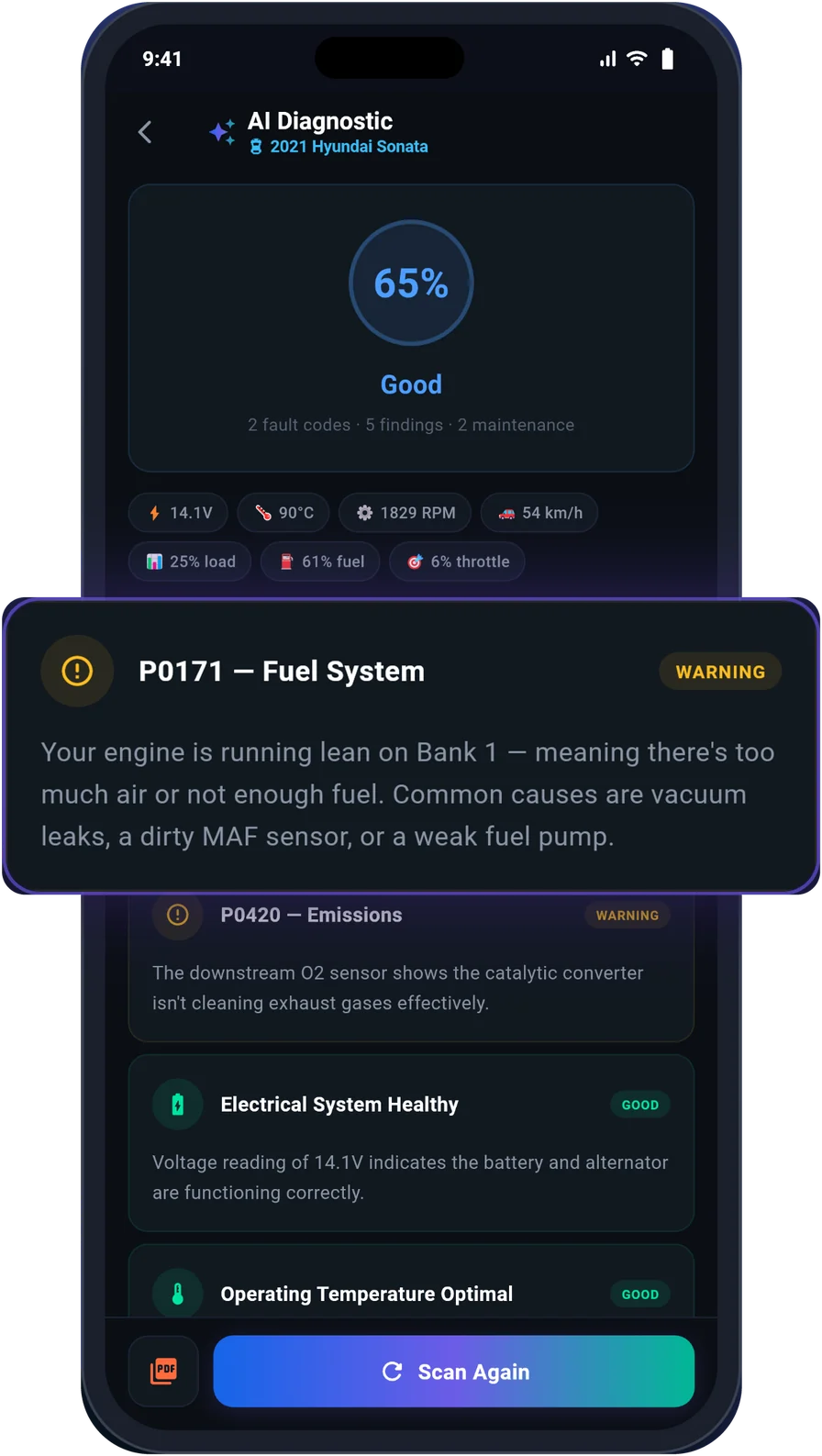
UstaScan AI diagnostic screen with a health score and a fuel system finding
AI report

AI tells you what's wrong

Get a health score and a plain-language explanation of every finding: what it means, how serious it is and the likely cause.

  • One health score for the whole car
  • Likely causes, explained simply
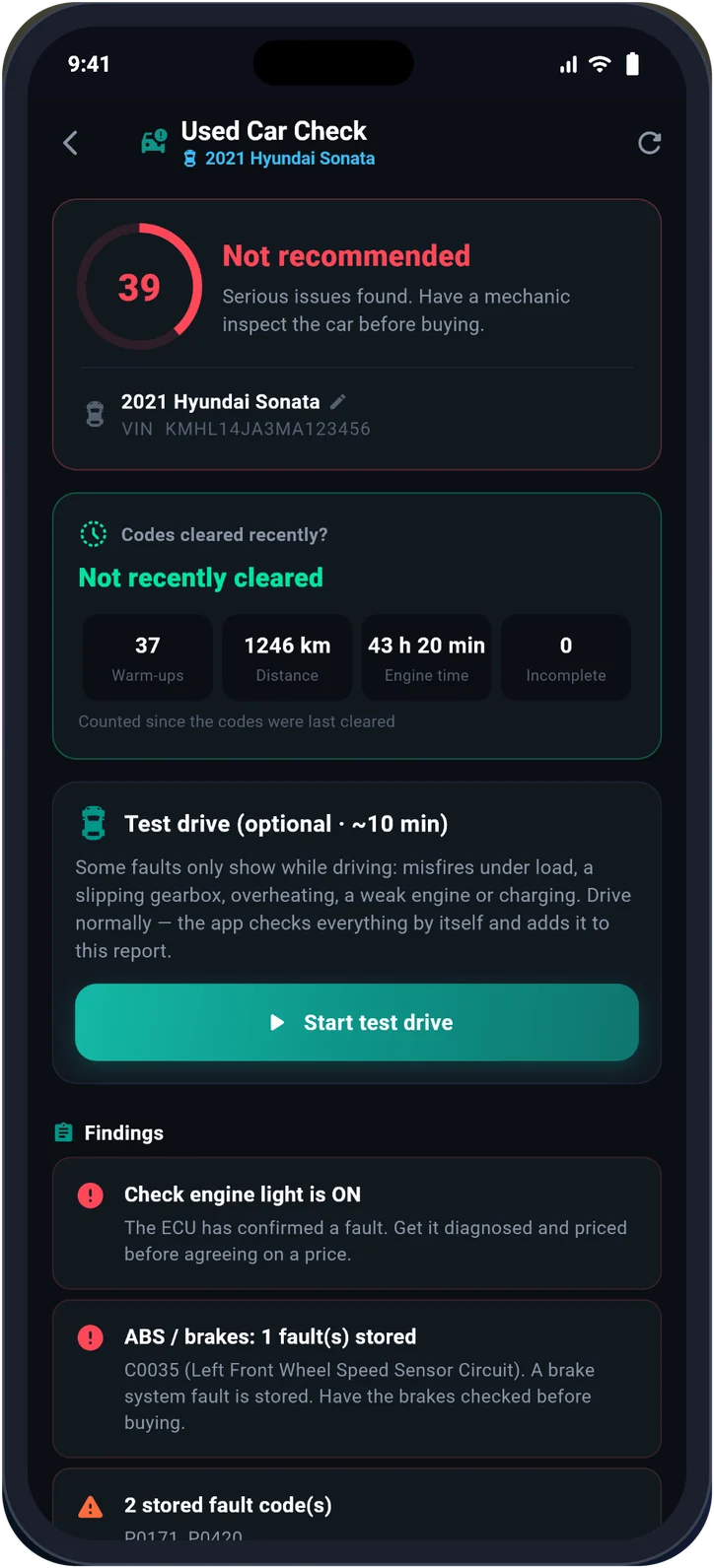
UstaScan used-car check screen with a not recommended verdict
Used-car check

Buying a used car? Check it first.

UstaScan shows whether codes were cleared recently and flags hidden problems before you agree on a price.

  • Detects recently cleared codes
  • A clear verdict before you pay
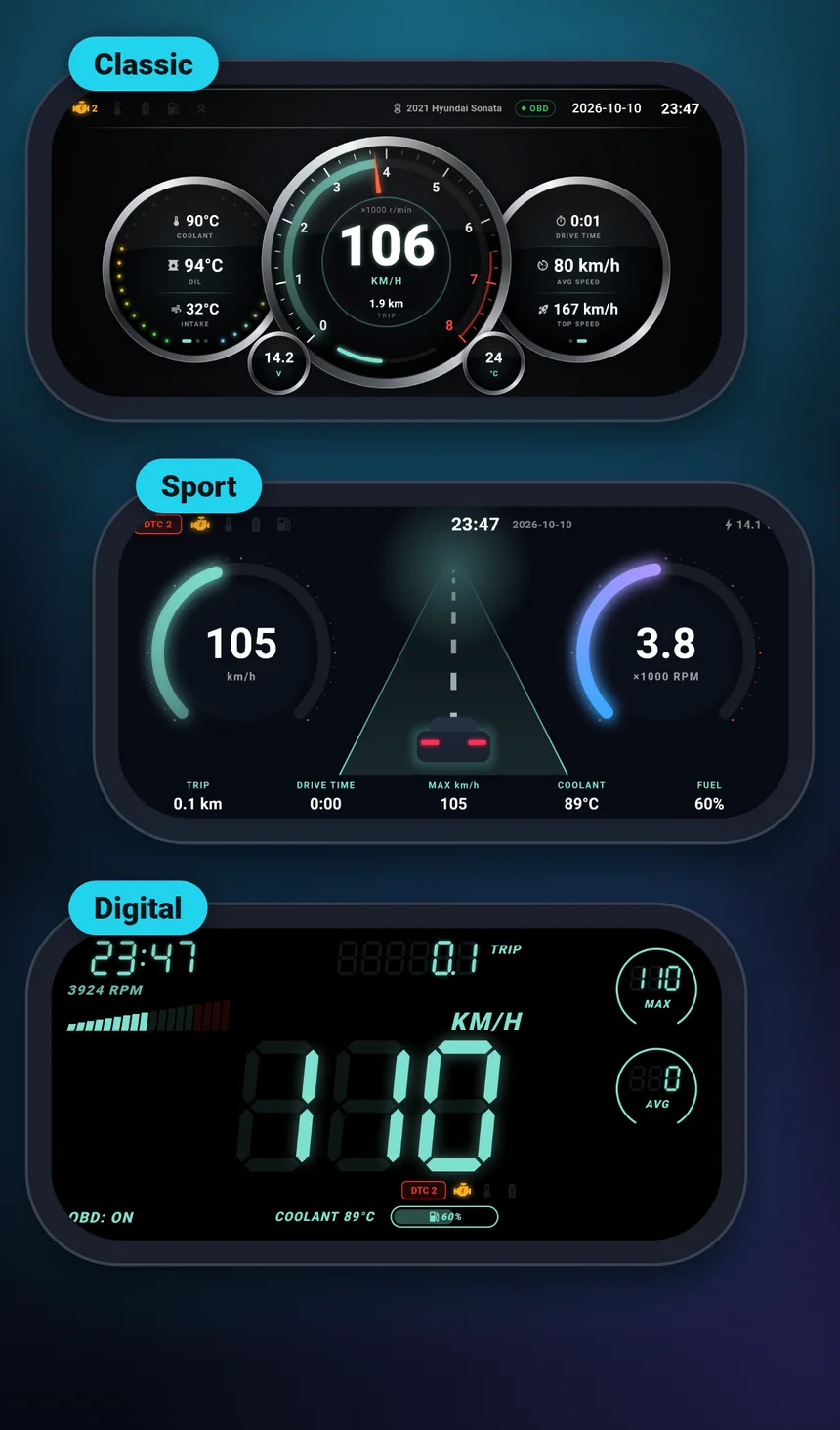
Three UstaScan head-up display styles: Classic, Sport and Digital
Head-up display

Your data on the windscreen

Choose Classic, Sport or Digital. Big, clear numbers you can read at night without looking down.

  • Classic, Sport and Digital styles
  • Speed, RPM, coolant and more
Also included

Backup to Google Drive. Keep your vehicles and scan history safe when you change phones.

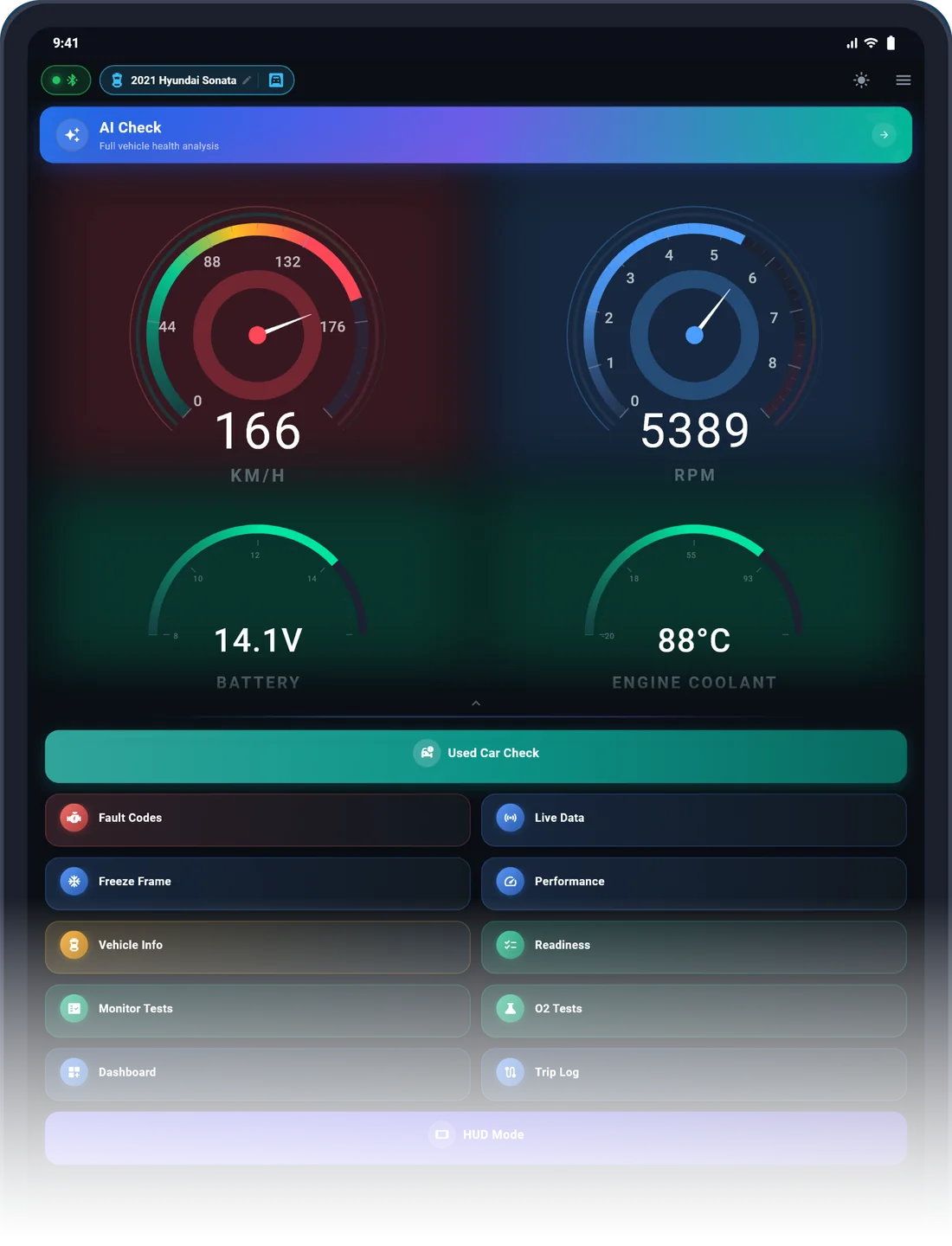
On iPad, made for the workshop bench.

UstaScan runs on iPad and Android tablets too, with layouts designed for the larger screen. Great for workshops and for reading reports side by side.

UstaScan home screen with live gauges on an iPad
UstaOBD adapter
Hardware + software

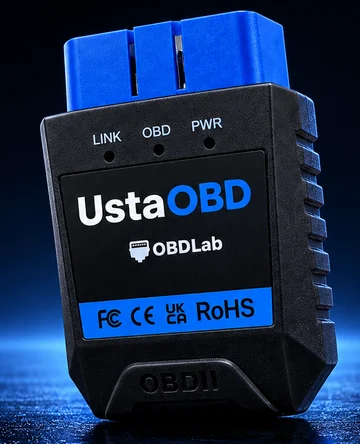
Works best with UstaOBD

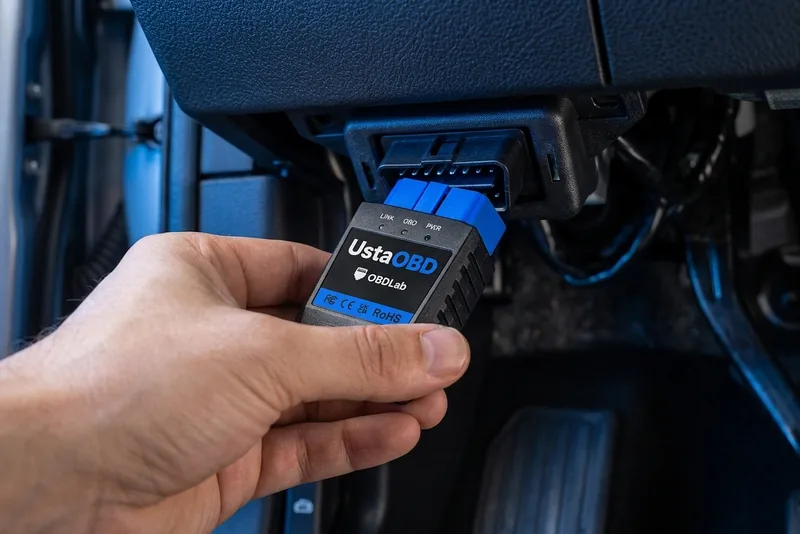
Our own adapter, built for the Usta apps: a stable Bluetooth link, every OBD2 protocol and firmware we update with the app.

See UstaOBD

Check your car in seconds.

Tell us where the car was sold, its fuel type and model year. We will show whether it supports OBD2 and what UstaScan can do on it.

Your car supports OBD2

UstaScan can read this car. Plug an adapter into the 16-pin port under the dashboard.

What UstaScan can do

  • Works on every OBD2 car
  • Depends on the car
  • Best with a recommended adapter
  • Engine fault codes Read and clear stored, pending and permanent codes. (Works on every OBD2 car)
  • Freeze frame See the conditions when a fault happened. (Works on every OBD2 car)
  • Live data RPM, temperatures, fuel trims, voltage and more, with live graphs. (Works on every OBD2 car)
  • Readiness monitors Check whether the car is ready for an emissions test. (Works on every OBD2 car)
  • Vehicle info VIN and ECU calibration IDs. (Works on every OBD2 car)
  • Oxygen sensor tests O2 sensor results from the engine computer. (Depends on the car)
  • Monitor tests Detailed on-board self-test results (Mode 06). (Depends on the car)
  • AI report Health score and plain-language explanation of every finding. (Works on every OBD2 car)
  • Used-car check Detect recently cleared codes and hidden problems. (Works on every OBD2 car)
  • Head-up display Speed and engine data on the windscreen. (Works on every OBD2 car)
  • Trip log Record and review your drives. (Works on every OBD2 car)
  • Gearbox, ABS and body computers Scan beyond the engine on supported cars. (Best with a recommended adapter)

General guidance based on OBD2 rules in each region. The final word is your car's 16-pin port.

Look up your exact car See every manufacturer reading for your model and year.

Deep scans work best with UstaOBD.

UstaScan works with most ELM327 Bluetooth adapters for the basics. For deep scans and the most stable connection, use UstaOBD, designed and tested by us together with the app.

A hand plugging UstaOBD into the OBD2 port under a car's dashboard
Made for UstaScan

UstaOBD

  • Designed and tested together with UstaScan
  • Deep scans of gearbox, ABS and body computers
  • Every OBD2 protocol, STM32 with our own firmware
  • Updates and support from the OBDLab team
Learn about UstaOBD

Already have an adapter? Deep scan also works on good-quality adapters such as: OBDLink MX+ · vLinker MC+ · vLinker MS · OBDLink CX · OBDCheck BLE+

On iPhone and iPad, use a Bluetooth LE or MFi adapter. Very cheap clones, often labelled v1.5, can drop the connection or miss protocols.

Other brand names belong to their owners. OBDLab is not affiliated with them.

Scan first. Pay once for more.

No subscription. Diagnose your car, and unlock extras only when you need them.

Basic

Full-system scan and live data

Read and clear codes across all systems, with live data.

Watch

Unlock extras with a short video

Try the HUD, AI report and used-car check in a reduced version by watching a rewarded video.

Premium

One-time payment, no subscription

The full HUD, AI report and used-car check, with PDF reports to share with a mechanic or buyer.

Questions before you download.

Will UstaScan work with my adapter?

UstaScan works with UstaOBD and most ELM327-compatible Bluetooth adapters. For deep scans and a stable connection we recommend UstaOBD, OBDLink MX+, vLinker MC+ or vLinker MS. Very cheap clones can drop the connection or miss protocols.

Do I need to pay to scan my car?

No. Reading and clearing fault codes across all systems and viewing live data are included. Extras like the HUD, AI report and used-car check can be unlocked with a short video or a one-time Premium payment.

Does it work on diesel cars?

Yes, as long as the car supports OBD2. In Europe that covers diesel cars from 2004 onward.

Can clearing codes damage my car?

No, but clearing a code does not fix the fault. If the problem is still there, the warning light comes back. Fix the cause first, then clear.

Which languages does the app support?

UstaScan is available in English, Korean and Arabic, with a full right-to-left layout for Arabic.

Find out what your car is telling you.

Download UstaScan and run a full-system scan in under a minute.