An adapter that speaks every OBD2 protocol.
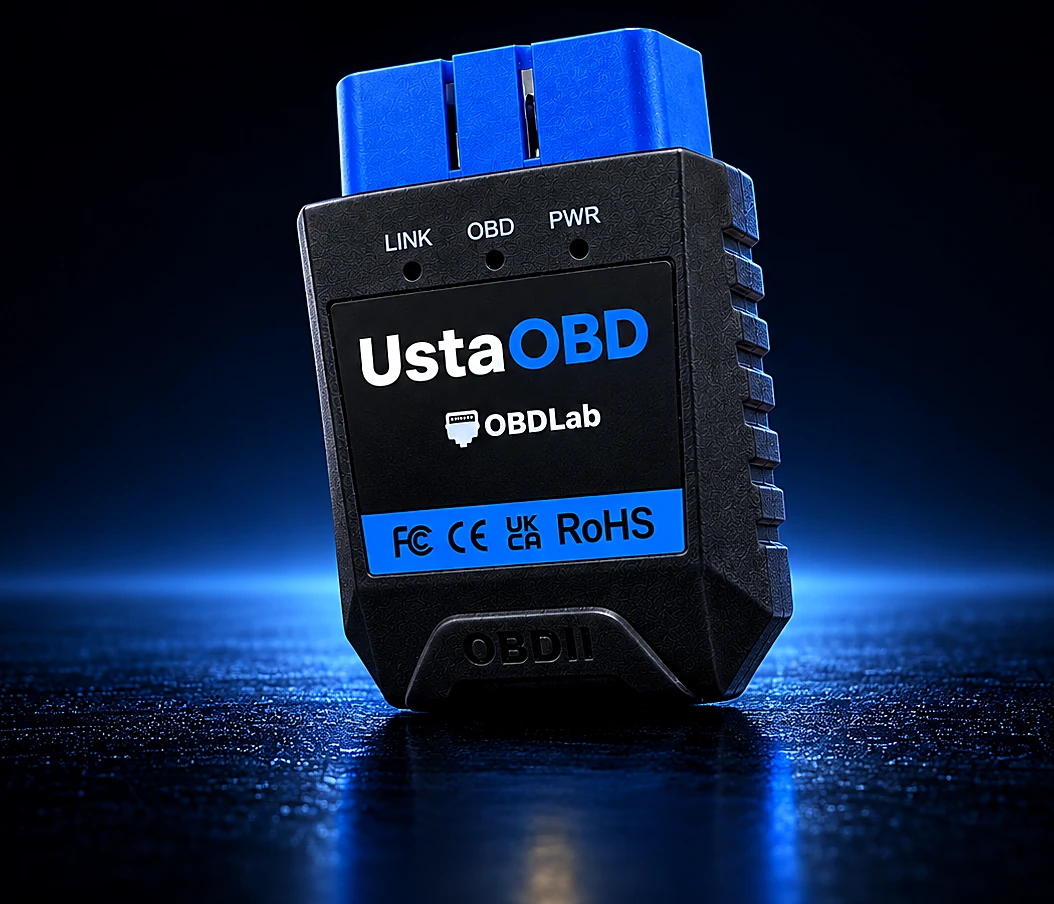
Generic adapters drop connections and miss protocols. UstaOBD runs our own firmware on an STM32 processor, so it talks to your car reliably and works hand in hand with the Usta apps.
- STM32
- Bluetooth
- CAN · K-Line · J1850
In Iraq, UstaOBD is sold through OBDTech, our local brand.
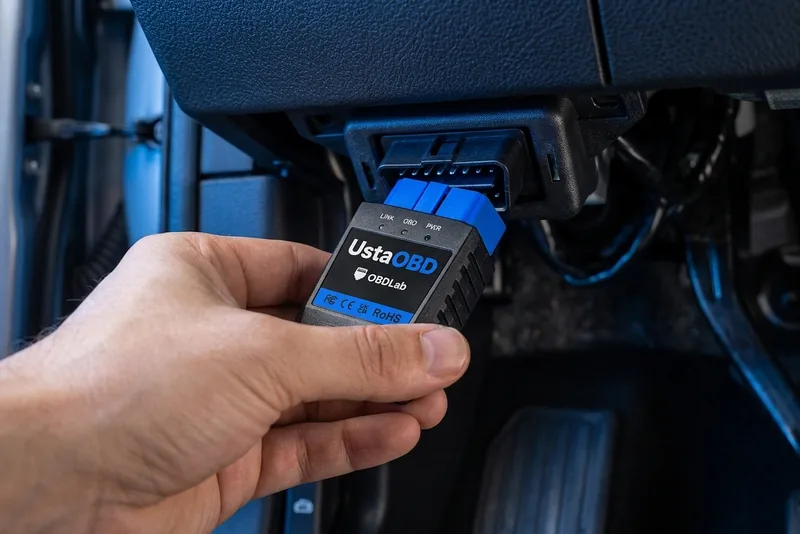
Plugs in under the dashboard. Then the app does the rest.
UstaOBD fits the standard 16-pin OBD2 port, usually just below the steering wheel. Plug it in, pair it with UstaScan over Bluetooth, and you are reading your car.
Specifications
- Processor
- STM32 microcontroller
- Firmware
- Custom OBDLab firmware, updated through the app
- Protocols
- All standard OBD2 protocols, CAN and legacy
- Connector
- Standard 16-pin OBD2 (SAE J1962)
- Indicators
- LINK, OBD and PWR status lights
- Works with
- UstaScan and UstaDyno
Three lights: LINK, OBD, PWR.
- PWR
The adapter has power from the car.
- OBD
Data is moving between the adapter and your car's computers.
- LINK
Your phone is connected over Bluetooth.
One device for UstaScan and UstaDyno
Plug in UstaOBD for everyday diagnostics in UstaScan and performance runs in UstaDyno. With the UstaOBD Pro device, the same UstaScan app unlocks its advanced functions, and UstaEV works too.
Which app works with which device.
| App | No adapter | UstaOBD | UstaOBD Pro | Other adapters |
|---|---|---|---|---|
| UstaScan Available | Not supported | Standard functions | All functions, incl. active tests & resets | Most ELM327 |
| UstaDyno Coming soon | GPS mode | GPS + engine data | GPS + engine data | Most ELM327 |
| UstaEV In development | Not supported | Not supported | Included | Recommended adapters, one-time unlock |
UstaOBD Pro
Our next adapter: a more powerful OBD2 device for deep all-systems diagnostics on petrol and diesel cars. Each Usta app does more with it.
- Unlocks UstaScan The same app, with its advanced functions unlocked: active tests and service resets.
- Works with UstaDyno Performance runs with engine data.
- Unlocks UstaEV Battery health for hybrid and electric cars.
Plug in, pair, read.
- 1
Plug in
Find the OBD2 port under the dashboard, near the steering column, and plug in your adapter. The PWR light turns on.
- 2
Pair
Turn the ignition on, open UstaScan and connect over Bluetooth. The app detects your car's protocol on its own.
- 3
Read
Run a full scan, check live data or open the HUD. Save the report or share it with your mechanic.